
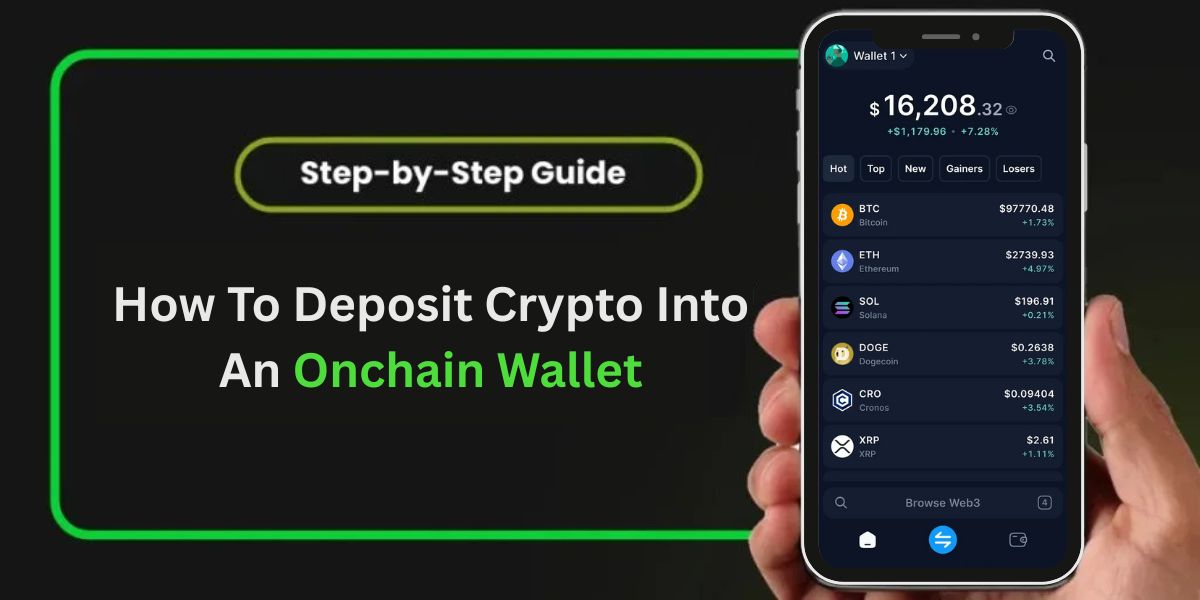
Learn how to safely fund your onchain wallet with cryptocurrency, avoid common mistakes, and successfully complete your first on-chain deposit.
Introduction
Depositing cryptocurrency into an onchain wallet is one of the foundational skills every crypto user must master. Whether you are transferring from an exchange or another wallet, understanding the step-by-step process including network selection, wallet addresses, and confirmation behavior can save you time and protect your assets from permanent loss.
In this guide, we break down how to deposit Crypto into your Onchain Wallet in clear, actionable steps so you can complete your first on-chain deposit confidently and securely.
What Is an Onchain Wallet?
An onchain wallet is a digital wallet that interacts directly with a blockchain network, meaning all transactions are recorded publicly and immutable. Unlike custodial wallets (where a third party holds your assets), onchain wallets give you full control over your private keys and crypto.
When you deposit crypto into an onchain wallet, you transfer assets from an external source (exchange or another wallet) to your wallet address on the blockchain. Once recorded on the network, you own the funds directly.
According to the Official Coinbase guide on depositing funds into an onchain wallet, users must ensure they select the correct wallet address and network before initiating a transfer to avoid permanent loss of funds.
Step-by-Step: How to Deposit Crypto into Your Onchain Wallet
1. Choose the Correct Wallet Address
The first step is locating the public deposit address of your onchain wallet:
- Open your onchain wallet app or extension.
- Select Receive or Deposit.
- Choose the cryptocurrency you want to deposit.
- Copy the full wallet address or scan the QR code.
This address is unique to your wallet and network.
Pro Tip: Always copy and paste to avoid typos. Crypto transactions are irreversible.
2. Select the Correct Network
Every cryptocurrency exists on one or more networks (e.g., Ethereum, BNB Smart Chain, Solana). Always send crypto on the same network that your wallet address supports. For example, sending SOL requires the Solana network. Sending funds on an unsupported network can result in permanent loss.
3. Initiate a Transfer From the Source
Now that you have the wallet address and network:
- Log in to your exchange (e.g., Coinbase, Binance) or external wallet.
- Go to Withdraw or Send.
- Paste the onchain wallet address you copied.
- Choose the correct network.
- Enter the amount you want to transfer.
- Confirm the transaction.
This step broadcasts your transfer to the blockchain.
4. Wait for Blockchain Confirmations
Once the transaction is broadcasted, blockchain nodes must confirm it. Confirmation times vary depending on network activity and the blockchain’s speed. After sufficient confirmations, the funds will appear in your onchain wallet.
5. Verify Your Deposit
Once the transfer is confirmed:
- Open your onchain wallet
- Refresh or review the transaction history
- You should see the deposited crypto
If the funds do not appear after several confirmations, double-check the transaction ID (TXID) on a blockchain explorer like Etherscan (Ethereum) or Solscan (Solana).
Risks to Avoid When Depositing Crypto
Mistyped Wallet Addresses
Entering even a single wrong character can send your crypto to the wrong address forever.
Wrong Network Selection
If you choose the wrong network (e.g., ERC-20 instead of BNB Smart Chain), your funds can be lost or stuck. Always verify supported networks before sending.
Unsupported Tokens
Some wallets do not support all token types. Sending unsupported tokens may result in permanent loss.
FAQs
Q1: How long does a deposit take?
Ans: It depends on blockchain traffic and the network you choose. Some transfers complete in seconds, others may take several minutes.
Q2: Can I reverse a deposit?
Ans: No. Crypto transactions are irreversible once confirmed on-chain.
Q3: What if I accidentally sent the wrong network?
Ans: Contact the platform or wallet support immediately. Recovery may not always be possible.
Once your crypto is successfully deposited, you should also understand How To Withdraw Money From An Onchain Wallet when you need to transfer funds back to an exchange or another wallet.
Conclusion
Depositing crypto into an onchain wallet is a core crypto skill that empowers you to take full custody of your assets. By following these steps select the correct wallet address, choose the appropriate network, and confirm the transfer you can ensure your funds arrive safely and securely.
At deficryptowallets.com, we aim to simplify DeFi and wallet tutorials with practical, beginner-friendly guidance. Bookmark this page and explore other tutorials to level up your DeFi journey.