Depositing cryptocurrency into your Crypto.com Wallet is simple, but it must be done carefully to avoid network errors, lost funds, or transaction delays when you deposit crypto into Crypto.com Wallet. Whether you are transferring Bitcoin, Ethereum, stablecoins, or other supported assets, understanding the correct steps is essential.
In this complete guide, we will explain how to deposit crypto into Crypto.com Wallet, how long deposits take, common issues users face, and how to avoid costly mistakes.
What Is Crypto.com Wallet?
Before making a deposit, it’s important to understand what the Crypto.com Wallet is.
Crypto.com offers two primary wallet solutions:
- Crypto.com App Wallet (Custodial) – Managed within the Crypto.com exchange app.
- Crypto.com DeFi Wallet (Non-Custodial) – A decentralized wallet where users control their private keys.
This guide applies to both, but always confirm which wallet you are using before depositing funds.
Things to Check Before Depositing into Crypto.com Wallet
Before you deposit crypto into your Crypto.com Wallet, verify the following:
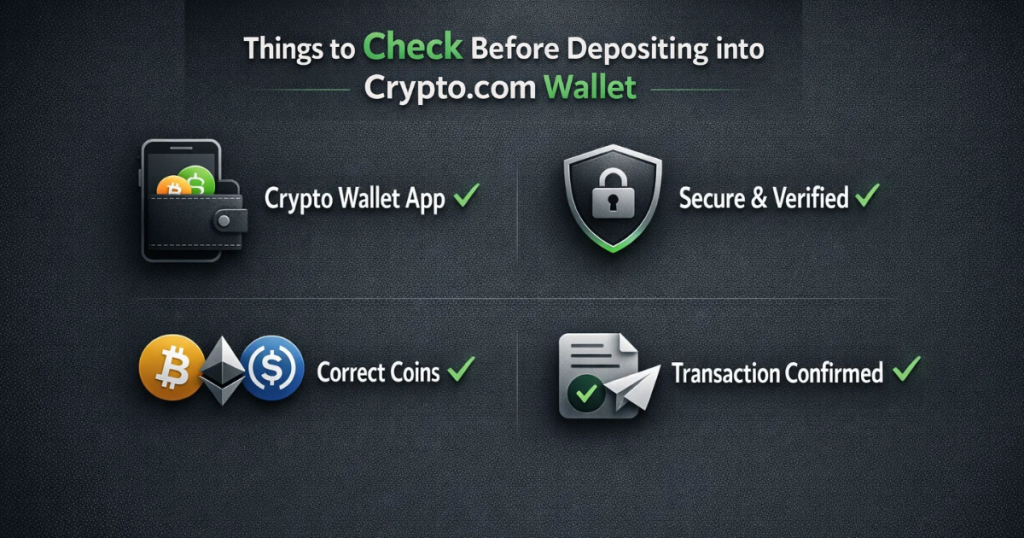
1. Confirm the Correct Wallet Type
Make sure you are depositing into:
- Crypto.com App wallet
- Or Crypto.com DeFi Wallet
Sending funds to the wrong type may create confusion.
2. Select the Correct Network
Many cryptocurrencies operate on multiple blockchains. For example:
- USDT can run on ERC-20, TRC-20, BEP-20, etc.
- USDC has multiple network options.
If you select the wrong network, funds may be permanently lost.
Always ensure:
- The sending platform network matches the receiving network in your Crypto.com Wallet.
3. Verify the Deposit Address
Each cryptocurrency in your Crypto.com Wallet has a unique deposit address.
Never:
- Manually type the address
- Use screenshots from unknown sources
- Trust copied addresses without double-checking
Always copy the address directly from the Crypto.com app.
Step-by-Step: How to Deposit Crypto into Crypto.com Wallet
Now let’s go through the complete process.
Step 1: Open the Crypto.com App or DeFi Wallet
- Log in to your Crypto.com account securely.
Navigate to: - Accounts → Select the cryptocurrency you want to deposit.
OR - DeFi Wallet → Select the specific token
Step 2: Click “Deposit”
Once you select the asset (for example, Bitcoin), tap the Deposit button.
The Crypto.com Wallet will display:
- Your wallet address
- QR code
- Network options (if applicable)
Step 3: Choose the Correct Network
If multiple network options are available, carefully select the correct one.
Example:.
- If you are sending USDT from Binance via TRC-20, select TRC-20 in your Crypto.com Wallet deposit screen.
- Network mismatch is one of the most common deposit errors.
Step 4: Copy the Wallet Address
Tap Copy Address.
For additional safety:
- Compare the first 4 and last 4 characters.
- Avoid copying addresses from emails or unknown links.
Step 5: Go to the Sending Platform
Now log in to the exchange or wallet from where you want to send crypto.
Select:
- Withdraw
- Paste the Crypto.com Wallet address
- Select the same network
- Enter the amount
Always double-check:
- Address
- Network
- Amount
- Transaction fees
Step 6: Confirm the Transaction
After confirming, the transaction will be broadcast to the blockchain.
You will receive:
- A transaction ID (TXID)
- A blockchain confirmation status
After depositing your funds, you may also need to transfer them. Read this blog: How to Send Crypto on Crypto.com
How Long Does a Crypto.com Wallet Deposit Take?
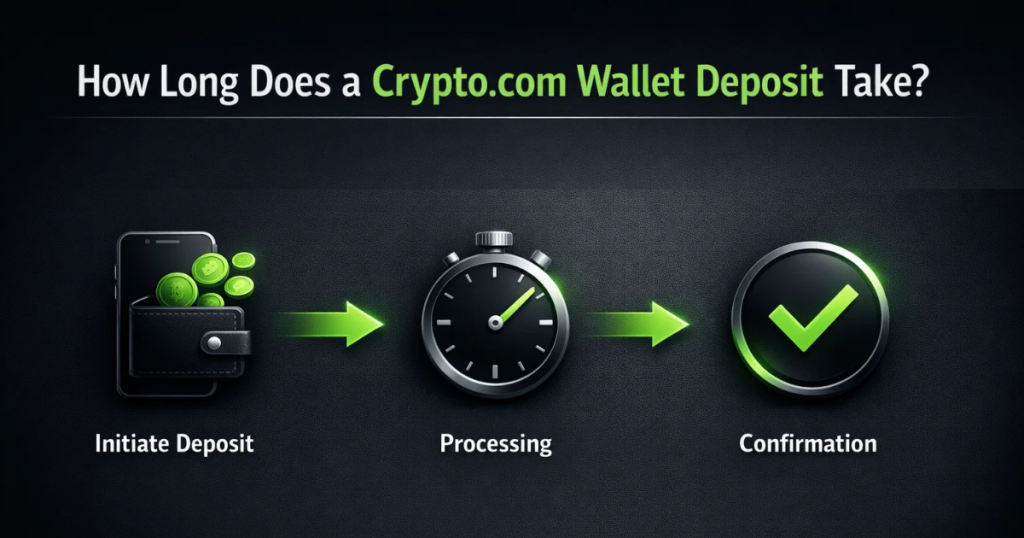
Deposit time depends on:
- Network congestion
- Gas fees used
- Blockchain confirmation requirements
Estimated times:
- Bitcoin: 10–60 minutes
- Ethereum: 5–20 minutes
- TRC-20 (Tron): 2–10 minutes
Crypto.com Wallet usually requires multiple confirmations before showing the balance.
How to Check Deposit Status in Crypto.com Wallet
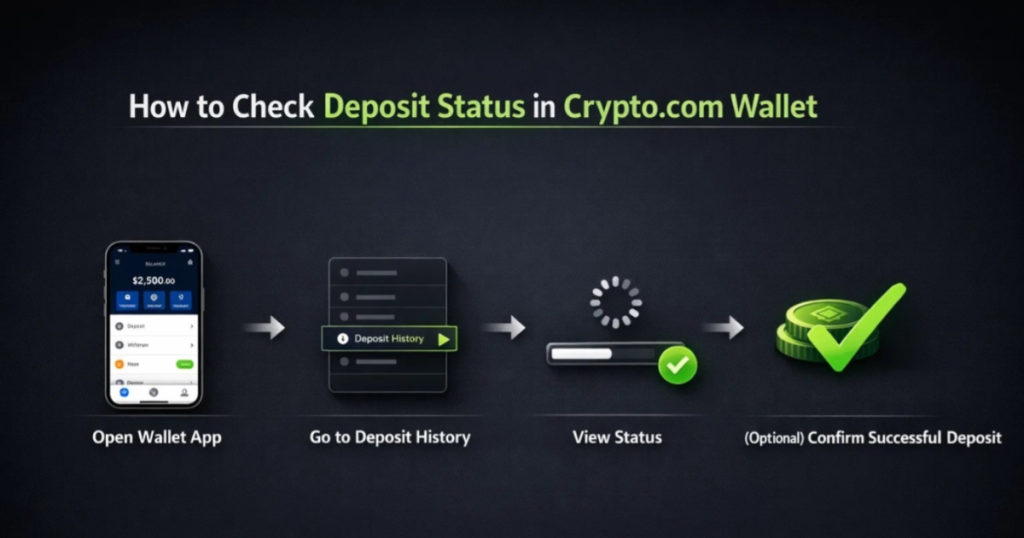
If your deposit is not showing:
- Copy the Transaction ID (TXID)
- Visit a blockchain explorer:
- Blockchain.com (BTC)
- Etherscan.io (ETH/ERC20)
- Tronscan.org (TRC20)
- Paste the TXID
- Check confirmation count
If confirmations are complete and funds are not visible, refresh your Crypto.com Wallet app.
Common Deposit Problems and Solutions
1. Deposit Not Showing
Possible reasons:
- Insufficient confirmations
- Network delay
- App not refreshed
Solution:
Wait for confirmations and refresh the app.
2. Sent on the Wrong Network
This is a serious issue.
Example:
Sending ERC-20 tokens to a BEP-20 address.
Solution:
Contact official Crypto.com support immediately. Recovery is not guaranteed.
3. Minimum Deposit Not Met
Some cryptocurrencies have minimum deposit requirements.
Always check the deposit minimum before sending.
4. Address Copied Incorrectly
Always verify addresses before sending large amounts.
For first-time deposits:
Send a small test transaction.
Security Tips When Depositing into Crypto.com Wallet
- Never share your private keys
- Never share your recovery phrase
- Enable 2FA on Crypto.com
- Avoid public WiFi
- Double-check network selection
Security is critical when using any Crypto.com Wallet.
For more help and guidance, you can also visit this support page: Crypto Customer Care.
Final Thoughts
Depositing crypto into Crypto.com Wallet is straightforward when done correctly. The most important factors are:
- Selecting the correct network
- Verifying the deposit address
- Checking blockchain confirmations
- Avoiding network mismatch
By following this step-by-step guide, you can safely deposit cryptocurrency into your Crypto.com Wallet without risking delays or lost funds.
Always double-check before confirming transactions — because blockchain transfers are irreversible.
Frequently Asked Questions (FAQs):-
Q1. Why is my Crypto.com Wallet deposit not showing?
If your deposit is not showing, it may still be waiting for blockchain confirmations. You can check the transaction ID (TXID) on a blockchain explorer to verify the status.
Q2. What network should I choose when depositing into Crypto.com Wallet?
Always choose the same network as the sending platform. If you select the wrong network, your funds may be delayed or permanently lost.
Q3. Is there a minimum deposit amount for Crypto.com Wallet?
Some cryptocurrencies have minimum deposit requirements. Always check the minimum amount displayed inside the Crypto.com Wallet before sending funds.
Q4. Can I deposit USDT into Crypto.com Wallet?
Yes, you can deposit USDT into Crypto.com Wallet, but you must select the correct network, such as ERC-20 or TRC-20, based on the sending platform.
Q5. What happens if I send crypto to the wrong address?
Crypto transactions are irreversible. If you send crypto to the wrong address, recovery is usually not possible. Always double-check the wallet address before confirming.
Q6. How can I check my Crypto.com Wallet deposit status?
You can track your deposit by copying the transaction ID and checking it on a blockchain explorer such as Etherscan or Blockchain.com.
Q7. Is Crypto.com Wallet safe for depositing cryptocurrency?
Crypto.com Wallet is secure when used properly. Always verify wallet addresses, enable two-factor authentication, and avoid sharing private keys or recovery phrases.
Q8. Can I deposit crypto from another exchange into Crypto.com Wallet?
Yes, you can deposit crypto from exchanges like Binance, Coinbase, or others into your Crypto.com Wallet by copying the deposit address and selecting the correct network.